
Paisa X Go for iOS: How to Play on iPhone and iPad
There is no official Paisa X Go app on the Apple App Store, and the Android APK cannot be installed on an iPhone or iPad. The good news is that iPhone users can still play through the Paisa X Go web version in Safari, with no download needed. This guide shows how, plus the sideloading options and why we don’t recommend jailbreaking.
- Safari
- No download
- Add to Home Screen
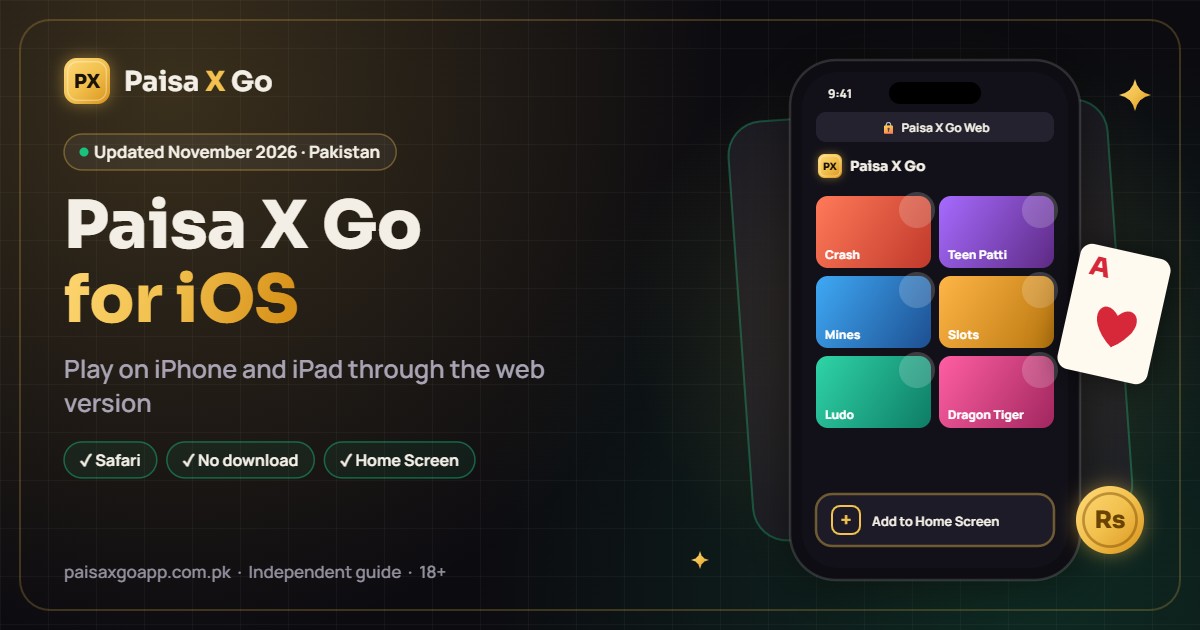
How to Play Paisa X Go on iPhone Using the Web Version

- Open Safari (or Chrome) on your iPhone or iPad.
- Go to the official Paisa X Go website.
- Tap Register to create an account, or Login if you already have one.
- Deposit through Easypaisa, JazzCash or USDT from the website.
- Choose a game and start playing right in the browser.
Add Paisa X Go to Your iPhone Home Screen
You can open the website like an app with one tap:

- Open the Paisa X Go website in Safari.
- Tap the Share icon (the square with an upward arrow).
- Scroll down and tap Add to Home Screen.
- Name it “Paisa X Go” and tap Add.
A Paisa X Go icon will now appear on your home screen.
Can You Install the Paisa X Go APK on iPhone?
No. APK files are made only for Android. iPhones use a different file type (IPA), so an APK will not open or install on iOS.
Sideloading Options (Only If an IPA File Is Available)
If an official iOS (IPA) version of Paisa X Go is ever released outside the App Store, it could be sideloaded:
- Xcode (Mac required): Connect your iPhone to a Mac, sign in with your Apple ID in Xcode and install the IPA. Apps installed with a free Apple ID usually expire after 7 days.
- AltStore or Sideloadly: These tools install IPA files from a Windows PC or Mac using your Apple ID. Older guides mention Cydia Impactor, but it no longer works with free Apple accounts on current iOS versions.
After installing, go to Settings > General > VPN & Device Management and trust the developer profile. For most users, the web version is simpler and safer.
Should you jailbreak your iPhone? We don’t recommend it. Jailbreaking removes Apple’s security protections, can void your warranty, may stop iOS updates from working and exposes your phone and payment apps to malware. It is also not available for every iOS version.
Frequently Asked Questions
Is Paisa X Go available on the App Store?
No, there is no official Paisa X Go app on the App Store.
Can I play Paisa X Go on iPhone?
Yes, through the web version in Safari or Chrome.
Can I use the same account on iPhone and Android?
Yes, log in with the same mobile number and password.
Can I deposit and withdraw from my iPhone?
Yes. JazzCash and Easypaisa payments work on the web version, the same as on Android.
Does Paisa X Go work on iPad?
Yes, the web version works in Safari on iPad, and the bigger screen suits card games well.
More Paisa X Go Guides
Paisa X Go APK Download
Download the latest APK and install it on Android.
Read guide →Paisa X Go Register
Create a new account step by step.
Read guide →Paisa X Go Login
Sign in, reset a forgotten password and fix login errors.
Read guide →Paisa X Go Deposit
Add money with EasyPaisa, JazzCash or USDT.
Read guide →Paisa X Go Withdraw
Cash out your winnings and fix delayed withdrawals.
Read guide →Paisa X Go For PC
Play on a Windows laptop with an Android emulator.
Read guide →Start Playing Paisa X Go
Download the APK, create your account and play responsibly. 18+ only.