
How to Deposit Money in Paisa X Go: Easypaisa, JazzCash and USDT
Paisa X Go lets you add money through Easypaisa, JazzCash and USDT. This guide explains the limits for each method, step-by-step deposit instructions, how the first deposit bonus works, and what to do if your deposit doesn’t show up.
- Easypaisa
- JazzCash
- USDT
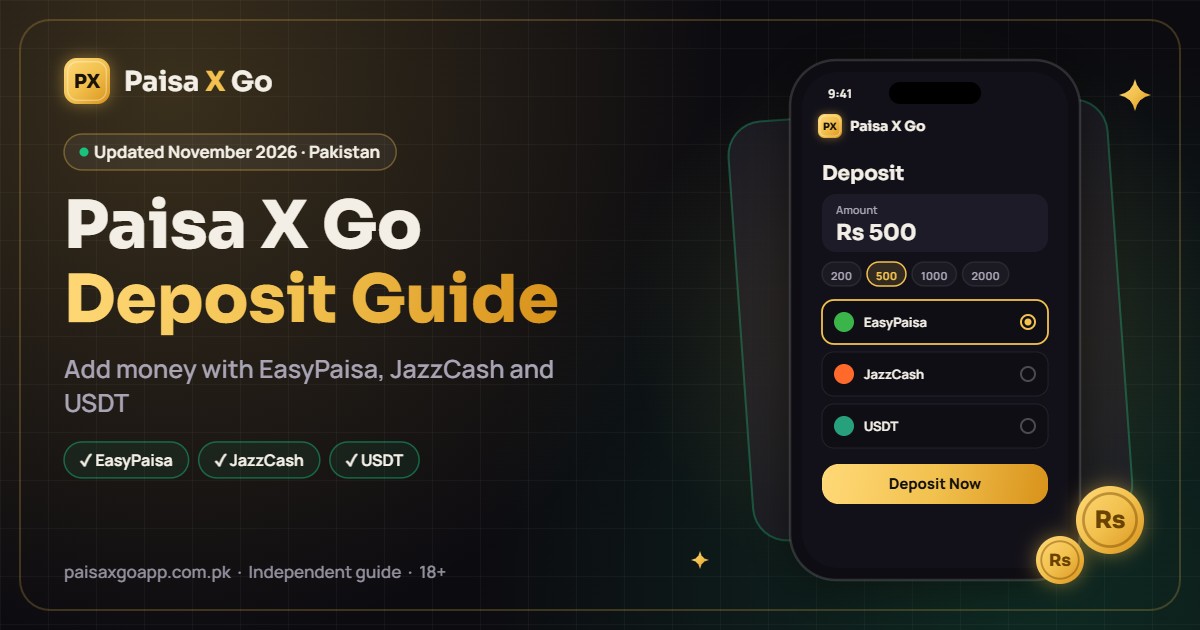
Deposit Methods and Limits
| Method | Minimum | Usual Time | Good to Know |
|---|---|---|---|
| Easypaisa | Shown in the app | A few minutes | Pay from the Easypaisa app or approve the prompt |
| JazzCash | Shown in the app | A few minutes | Approve with your JazzCash MPIN and keep the SMS |
| USDT | Shown in the app | After network confirmation | Send only on the network shown in the app |
Minimum and maximum amounts are shown on the deposit page in the app and can change with promotions.
How to Deposit Money via Easypaisa

- Log in to Paisa X Go and tap Deposit or Add Cash.
- Select Easypaisa as the payment method.
- Enter the amount you want to add and tap Confirm.
- Follow the on-screen instructions to complete payment in your Easypaisa app, or enter your Easypaisa number if asked.
- Approve the payment with your Easypaisa MPIN.
- Return to Paisa X Go. The amount appears in your balance once confirmed.
How to Deposit Money via JazzCash
- Tap Deposit and choose JazzCash.
- Enter the deposit amount and confirm.
- Complete the payment in your JazzCash app or by approving the request with your MPIN.
- Wait for confirmation, then check your Paisa X Go balance.
How to Deposit Money via USDT

- Tap Deposit and choose USDT.
- Copy the wallet address shown and note the network (for example TRC20).
- Open your crypto wallet or exchange and send USDT to that address on the same network.
- Wait for blockchain confirmation. Your balance updates once the transfer is confirmed.
Crypto transfers cannot be reversed, so double-check the address and network before sending.
First Deposit Bonus
New players often get a percentage bonus on their first deposit, and sometimes on later deposits during promotions. The current offer is shown in the Promotions tab. The bonus usually comes with a wagering requirement that must be completed before you can withdraw it. Read the terms in the app before accepting.
Deposit Not Received? What to Do
- Wait 10 to 15 minutes, as wallet networks are sometimes slow, then refresh your balance.
- Check that money was actually deducted from your wallet.
- Keep your transaction ID (TID) or a screenshot of the payment.
- Contact Paisa X Go customer support with the TID, amount and time of payment.
Tips for Safe Deposits
- Only deposit through the official app or website, never through agents on WhatsApp or Telegram.
- Use a wallet registered in your own name.
- Start with a small deposit and test a withdrawal before adding more.
- Set a budget and only deposit money you can afford to lose.
Frequently Asked Questions
What is the minimum deposit in Paisa X Go?
The minimum deposit is shown on the deposit page in the app and can change with promotions.
Is there a fee for deposits?
Check the deposit page in the app for any fee before you confirm a payment.
Can I deposit with someone else’s Easypaisa or JazzCash account?
It’s better to use your own account, as mismatched names can cause problems later when you withdraw.
Why is my deposit pending?
Deposits can be delayed by network issues or wallet-side delays. If it doesn’t arrive after some time, contact support with your transaction ID.
More Paisa X Go Guides
Paisa X Go APK Download
Download the latest APK and install it on Android.
Read guide →Paisa X Go Register
Create a new account step by step.
Read guide →Paisa X Go Login
Sign in, reset a forgotten password and fix login errors.
Read guide →Paisa X Go Withdraw
Cash out your winnings and fix delayed withdrawals.
Read guide →Paisa X Go For PC
Play on a Windows laptop with an Android emulator.
Read guide →Paisa X Go For iOS
Play on iPhone and iPad through the web version.
Read guide →Start Playing Paisa X Go
Download the APK, create your account and play responsibly. 18+ only.