
Paisa X Go for PC: Download and Play on Windows and Laptop
Paisa X Go for PC is not a separate Windows or Mac app, but you can still play the game on your PC or laptop. The two easiest ways are an Android emulator, which runs the Android APK on your computer, or the web version in your browser. This guide covers both.
- BlueStacks
- LDPlayer
- Web version
Recommended PC Requirements
To run Paisa X Go smoothly through an emulator, your computer should have:
- Windows 10 or Windows 11
- 4 GB RAM at minimum (8 GB recommended)
- At least 5 GB of free disk space
- Virtualization (VT) enabled in BIOS for better performance
- A stable internet connection
Best Android Emulators for Paisa X Go
| Emulator | Best For | Notes |
|---|---|---|
| BlueStacks | Most users | Easy setup and good performance on mid-range PCs |
| LDPlayer | Low-end PCs | Lightweight and gaming-focused |
Download emulators only from their official websites.
How to Install Paisa X Go on PC Using BlueStacks
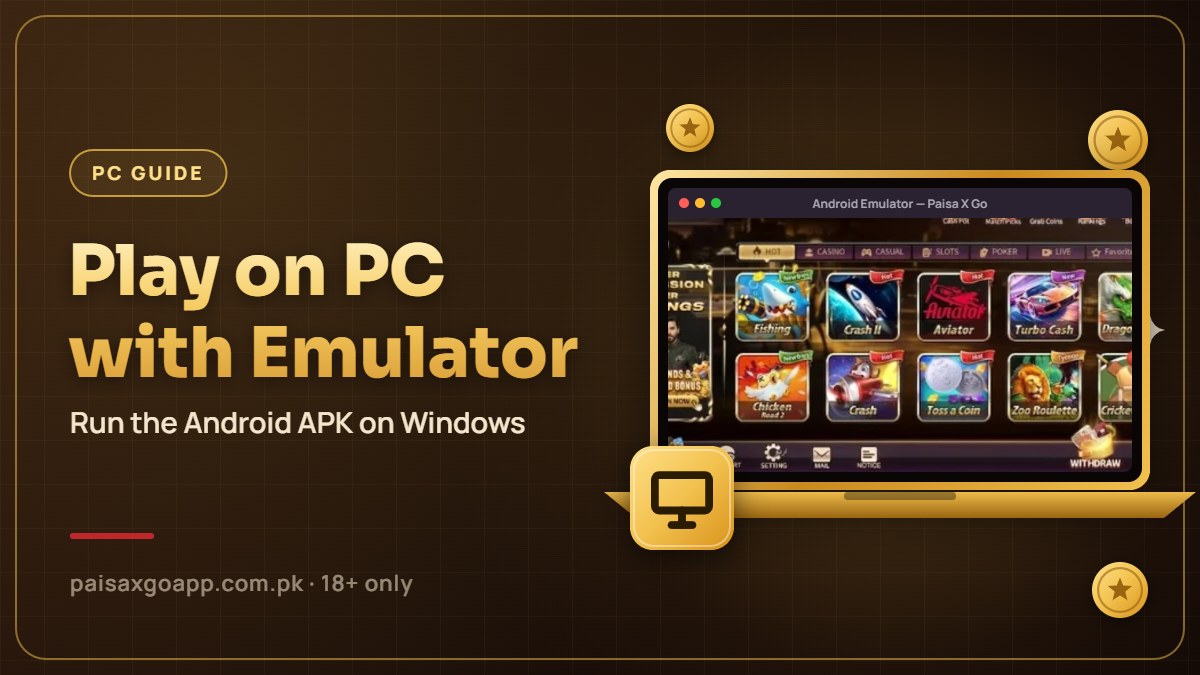
- Download BlueStacks from its official website and install it.
- Open BlueStacks and finish the first-time setup.
- Download the Paisa X Go APK to your PC from the official website (see our APK download guide).
- Drag the APK file into the BlueStacks window, or click Install APK in the side toolbar and select the file.
- Wait for installation to complete.
- Click the Paisa X Go icon on the BlueStacks home screen and log in or register.
How to Install Paisa X Go on PC Using LDPlayer
- Download and install LDPlayer from its official website.
- Open LDPlayer once setup is finished.
- Download the Paisa X Go APK to your PC.
- Click APK on the right-side toolbar and choose the downloaded file, or drag it into the window.
- Open Paisa X Go from the LDPlayer home screen and sign in.
Play Without an Emulator: Use the Web Version
If you don’t want to install anything, open Chrome or Edge on your PC and go to the official Paisa X Go website. Log in with your mobile number and password and play directly in the browser. This also works on Mac, and iPhone users can follow our Paisa X Go iOS guide.

Benefits of Paisa X Go for PC
Bigger Screen
Card games like Teen Patti and Rummy are easier to follow on a large display.
Precise Controls
Keyboard and mouse controls are more precise in fishing and arcade games.
No Battery Drain
No phone battery drain or overheating during long sessions.
Same Account
The same account works on your phone and your PC.
Troubleshooting on PC
| Problem | Fix |
|---|---|
| Emulator is slow or laggy | Enable virtualization (VT) in BIOS and close other heavy programs |
| APK won’t install | Download the APK again and make sure the emulator is updated |
| Game screen is black | Change the emulator’s graphics mode (DirectX or OpenGL) and restart |
| Can’t log in | Check your internet connection and try the web version |
Frequently Asked Questions
Is there an official Paisa X Go app for Windows?
No. You need an Android emulator or the web version to play on PC.
Can I play Paisa X Go on a Mac?
Yes, through the web version in Safari or Chrome, or with an Android emulator that offers a Mac version.
Is it free to play on PC?
Yes. The APK and the emulators mentioned here are free to download.
Can I use my mobile account on PC?
Yes, log in with the same mobile number and password, and your balance will be there.
More Paisa X Go Guides
Paisa X Go APK Download
Download the latest APK and install it on Android.
Read guide →Paisa X Go Register
Create a new account step by step.
Read guide →Paisa X Go Login
Sign in, reset a forgotten password and fix login errors.
Read guide →Paisa X Go Deposit
Add money with EasyPaisa, JazzCash or USDT.
Read guide →Paisa X Go Withdraw
Cash out your winnings and fix delayed withdrawals.
Read guide →Paisa X Go For iOS
Play on iPhone and iPad through the web version.
Read guide →Start Playing Paisa X Go
Download the APK, create your account and play responsibly. 18+ only.